
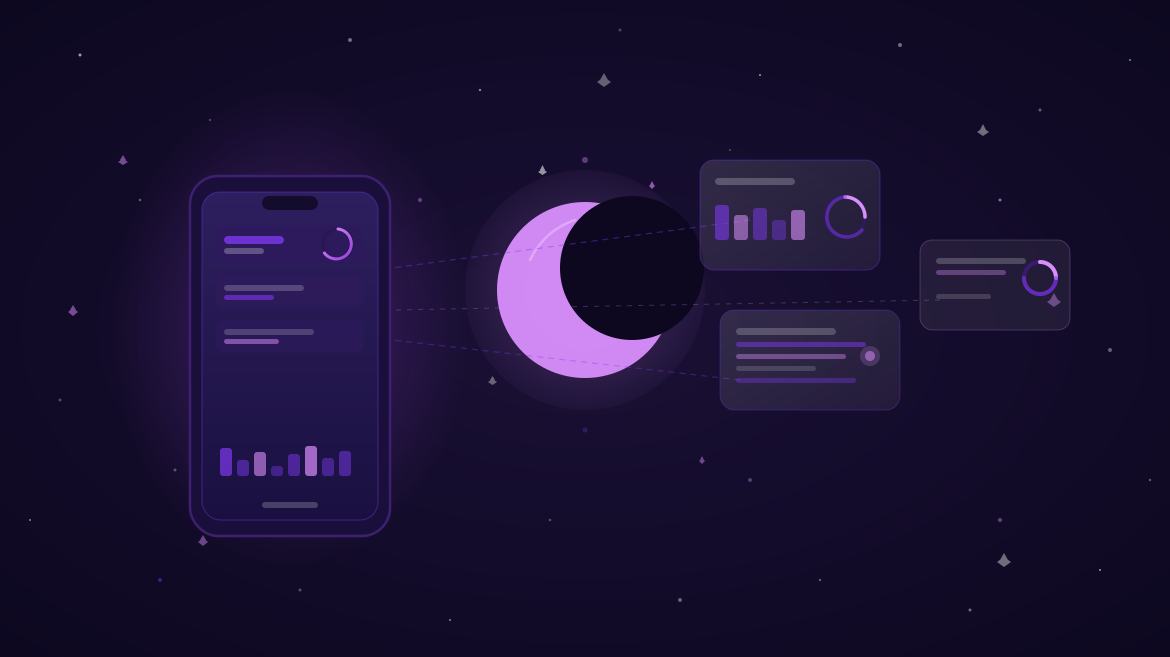
We have been listening. Since launch, the single most-requested feature has been a dark theme — and the second most-requested has been home-screen widgets so managers can check progress without even unlocking their phone. Today's update delivers both, along with a handful of smaller quality-of-life improvements that we think you'll notice immediately.
Dark Mode in TMyanmar is not just a colour inversion. We rebuilt the entire colour system using adaptive tokens, so every chart, badge, and status indicator has been individually tuned for legibility in low-light environments. Whether you prefer to let your phone switch automatically at sunset or keep dark mode on permanently, the experience is consistent throughout the app.
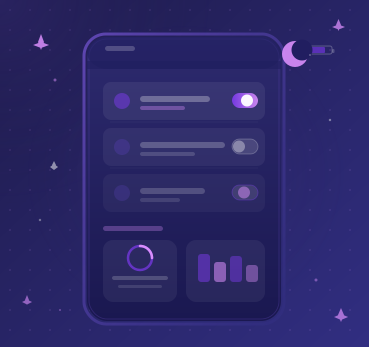


The new home-screen widget comes in two sizes. The small widget shows your organisation's overall progress score for the current period. The medium widget breaks that score down into the top three active projects, each with its own mini progress bar. Both widgets update every 30 minutes and tap through directly to the relevant project inside the app — no hunting through menus required.
Beyond dark mode and widgets, version 3.3 also ships improved accessibility support — larger tap targets on all interactive elements, high-contrast mode for users who need extra definition, and full VoiceOver and TalkBack compatibility across every screen. We believe organisational tools should work for everyone in your team, and accessibility has been a core part of our roadmap since day one.
Dark Mode is toggled in Settings → Appearance. If you set it to "Automatic", the app will follow your device's system setting. To add a widget, long-press your home screen, tap the "+" button, search for TMyanmar, and choose your preferred size. Both Android and iOS are supported. If you run into any issues, our support team is reachable directly from the Help section inside the app.


4 replies
Kyaw Zin Htet
May 11. 2025
The dark mode is exactly what I needed for late-night reporting sessions. Looks great and feels much easier on the eyes. Really happy with this update.
TMyanmar Team
May 11. 2025
Thank you! We put a lot of care into the colour tuning for dark mode — glad it's making a difference. Let us know if you have feedback on the widget too.
Thida Aye
May 12. 2025
The home-screen widget is a game changer for our team. Our manager can see the project score at a glance without even opening the app. Exactly what we asked for.
Aung Myo Thu
May 14. 2025
Great update overall. One small suggestion — it would be helpful if the widget also showed the deadline date for the top project. Looking forward to future updates!